Verify
Verify a certificate
Scan the QR code on the certificate, or enter the verification code below to confirm it's genuine.
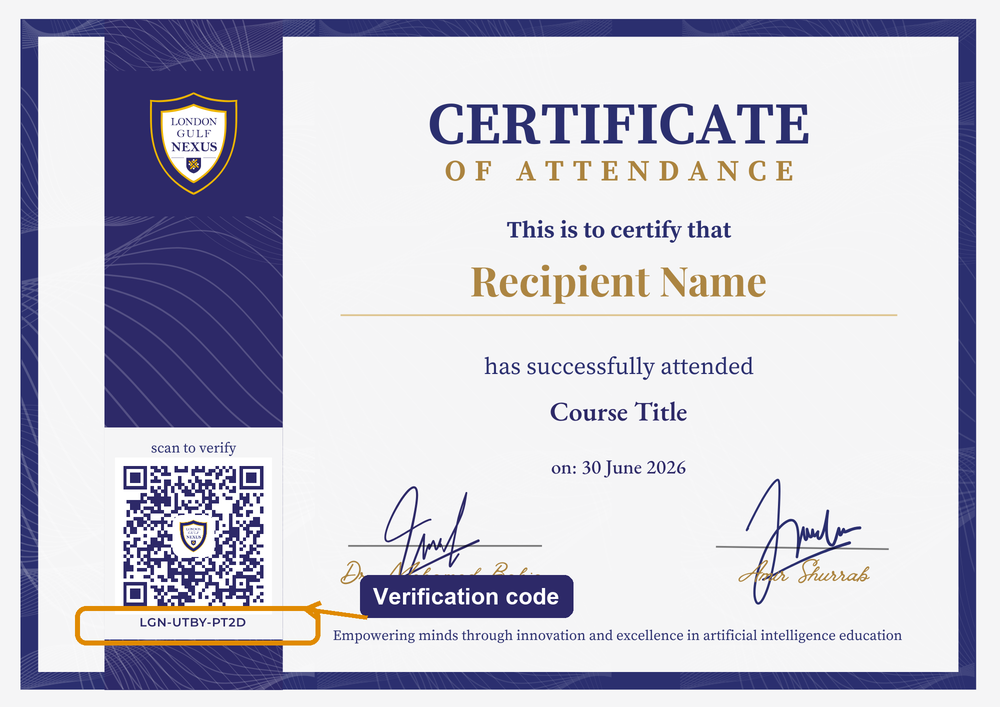
Where do I find the code?
Printed in the lower-left panel, just below the QR code. It always starts with LGN-, e.g. LGN-XXXX-XXXX.
Tip: scanning the QR code opens this page with the code already filled in.